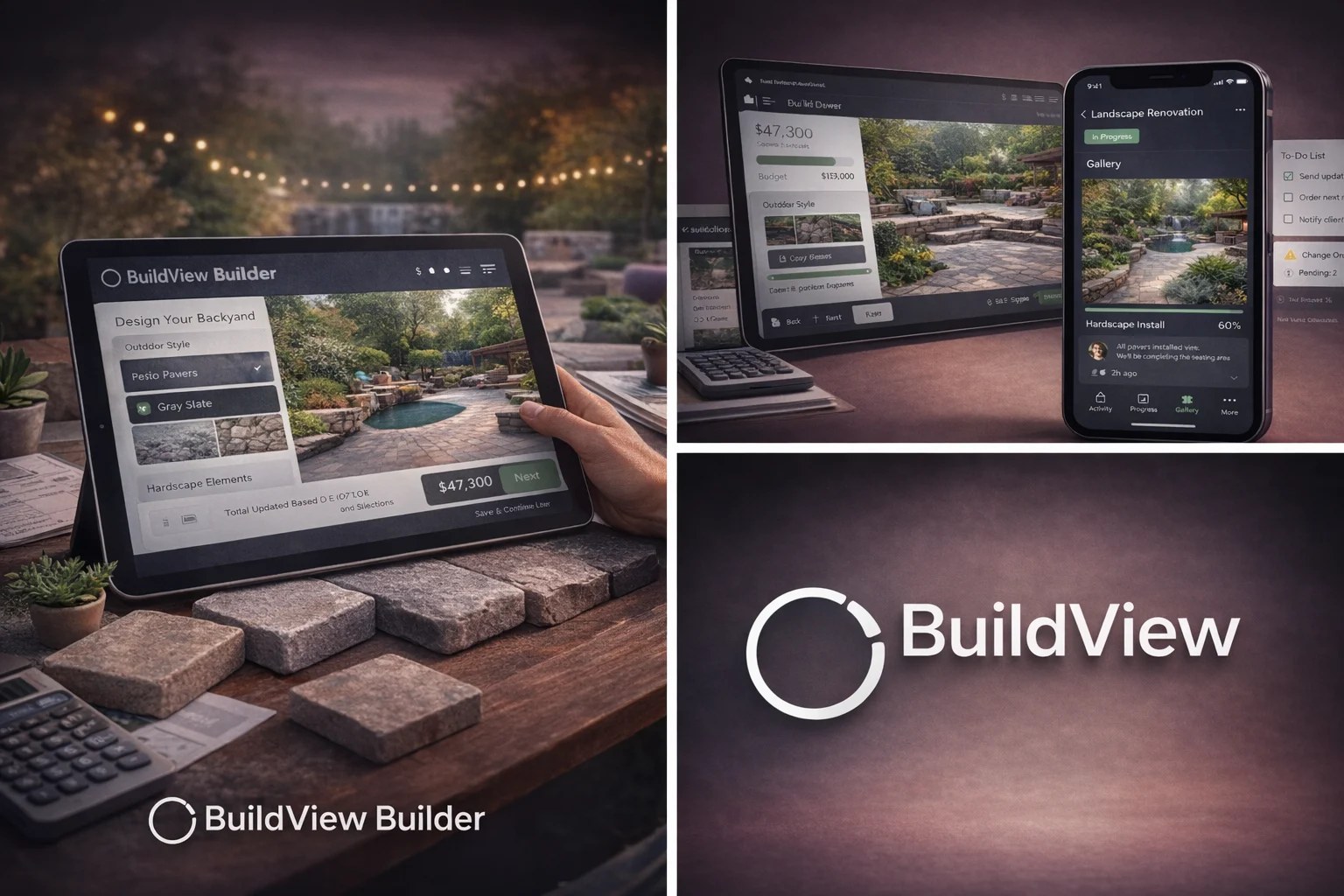
BuildView progress & Builder
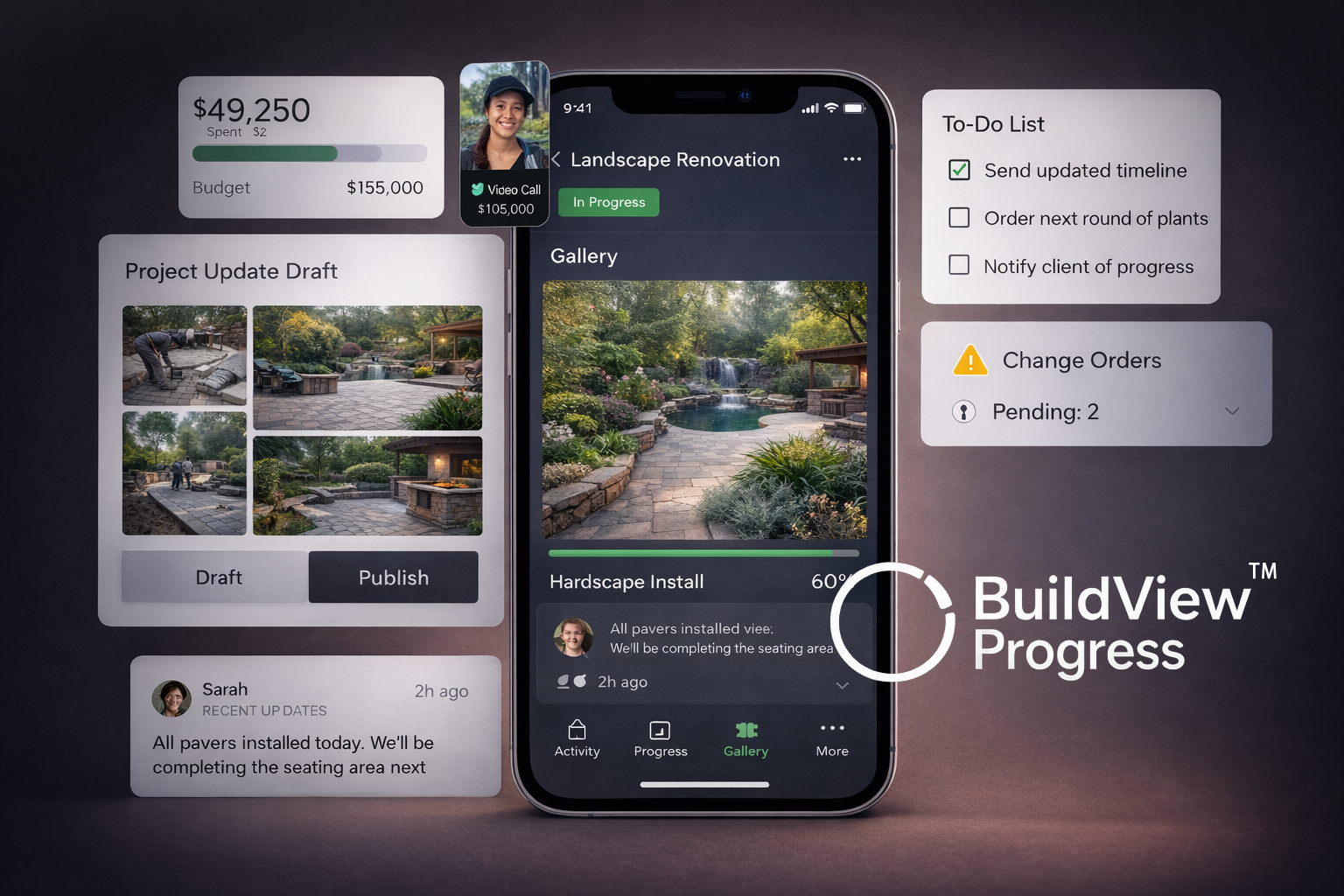
BuildView creates a seamless path from first visit to project completion by combining two connected systems: BuildView Builder for guided project setup and BuildView Progress for ongoing project tracking. Businesses can use both together or choose to use BuildView Progress independently with their existing intake process.
Features
- Interactive project builder with guided selections
- Visual option previews and layered configurations
- Structured project intake and lead qualification
- Client login portal with secure access
- Project timeline and milestone tracking
- Centralized communication and updates
- Real-time project visibility for clients
- Streamlined workflow from inquiry to completion
- Mobile-friendly and responsive interface
- Seamless integration with WordPress and NADmedia systems
How It Works